Contracts, documentation, access, old permissions: how to switch IT service providers in an orderly way – with a five-step process and a checklist.
July 7, 2026
oneCorp Team
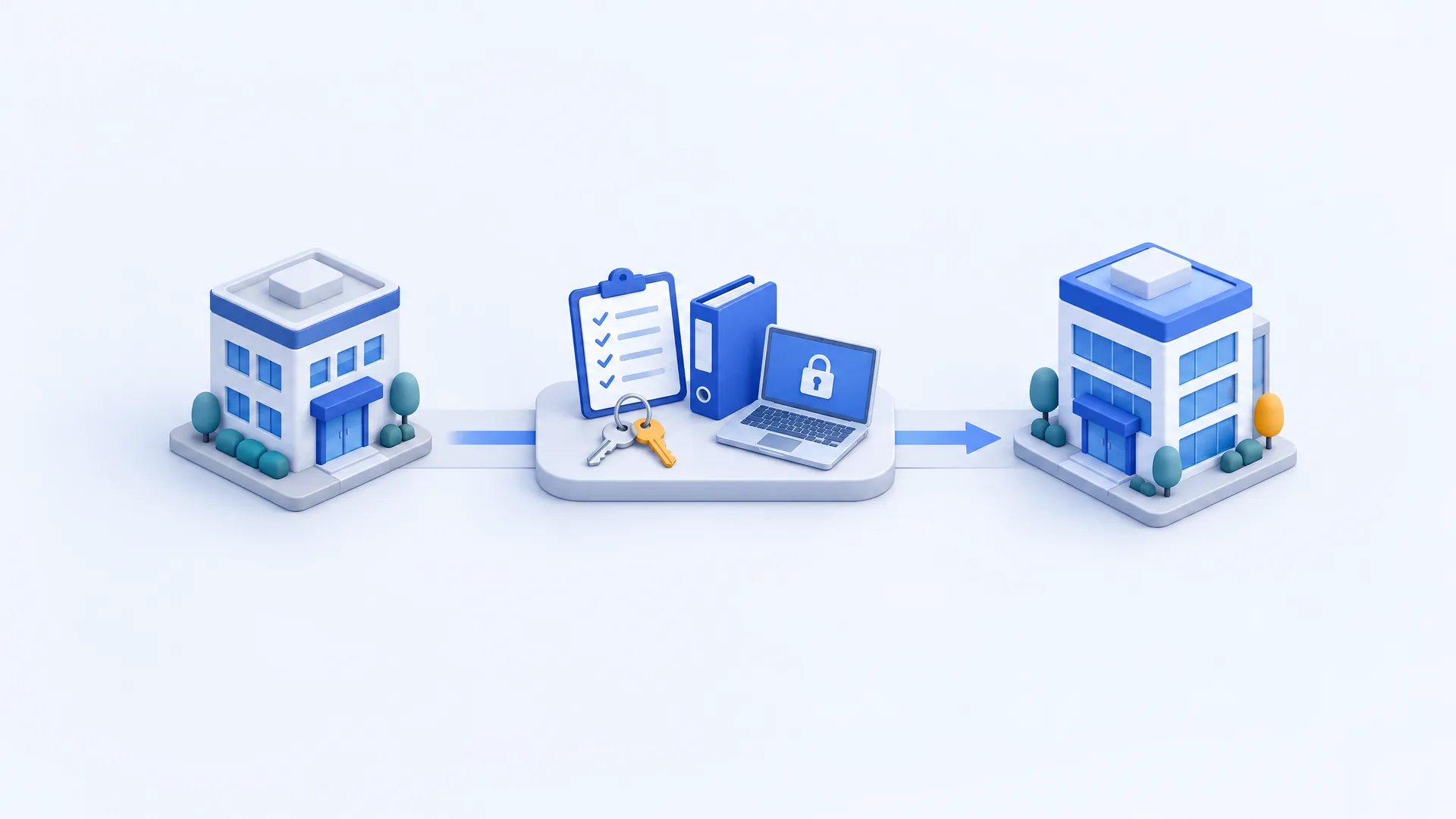
Record contracts and dependencies, check documentation and access, define the new scope of services in detail and carry out the takeover in a controlled way. Finally, old permissions – including hidden partner access in Microsoft 365 – must be removed deliberately.
Support requests go unanswered, responsibilities are unclear or invoices are hard to follow: when the collaboration with your IT service provider no longer works, sooner or later the whole business suffers.
Even so, many companies put off a switch. The concern is understandable: Who knows the infrastructure that has grown over the years? Where are the admin credentials? And will email, ERP and telephony still work after the handover?
A switch of IT service provider can be prepared in a structured way. What matters is a verified inventory, clear responsibilities and a handover that goes beyond passing on passwords.
A single incident is not a reason to end the collaboration. Recurring problems are more telling: promised callbacks don't happen, the same errors keep coming back or questions about backups aren't answered in a traceable way.
Before switching, write down what specifically needs to improve, for example:
These requirements become the yardstick for choosing the new partner. A lower monthly price alone does not solve organizational problems.
Switching IT support does not automatically mean moving all systems. A company can hand the administration of its existing Microsoft 365 environment to a new provider while data and user accounts stay where they are. Servers, internet connections or business applications can also continue to run unchanged at first. Distinguish between three tasks:
| Task | What changes |
|---|---|
| Takeover of support | Responsibilities, access, support and operating processes |
| Change of contracts or sourcing | For example license procurement, hosting or maintenance |
| Technical migration | Systems or data are moved to a different environment |
These tasks can belong together, but they don't have to happen at the same time. A staged takeover often reduces risk and effort.
Before scheduling, you need an overview of all existing agreements – in addition to the support contract, also hosting, software subscriptions, hardware rental, internet, telephony and backup. For each service, check:
A typical mistake is terminating a contract without knowing what else it covers. If it also includes DNS management, certificates or backup storage, these tasks must be taken over elsewhere before the contract ends.
Don't forget data protection: if the previous provider processed personal data on your behalf – for example in backups or hosted systems –, the data processing agreement governs what happens at the end. Under Art. 28(3)(g) GDPR, the processor must, at the controller's choice, delete or return all personal data after the end of the services and delete existing copies, unless storage is required by law. Decide what should be returned and what deleted, and ask for written confirmation of the deletion. The German Federal Office for Information Security (BSI) also recommends in its IT baseline protection that the return of all information, data and hardware and the revocation of access rights be regulated when an outsourcing relationship ends (module OPS.2.3, requirement A7, in German).
Record the results in a shared handover list. Every open item needs an owner and a deadline.
A password list is not enough for a secure takeover. The new provider needs to understand how the environment is set up and which tasks come up regularly. These documents provide a sound working basis:
| Area | Information needed |
|---|---|
| Users and administration | Accounts, roles, multi-factor authentication and emergency access |
| Network | Internet connections, firewall, VPN, VLANs, Wi-Fi and relevant configurations |
| Servers and applications | Systems, versions, dependencies, maintenance contracts and contacts |
| Microsoft 365 and cloud | Subscriptions, partner relationships and app permissions |
| Domains and communication | Domain management, DNS, mail flow, telephony and certificates |
| Backup | Backup scope, storage locations, retention, keys and recovery procedures |
| Ongoing operations | Monitoring, security software, scheduled tasks and open incidents |
Credentials should be handed over via a protected channel and then actually tested. A documented admin account is of little use if signing in depends on a mobile phone nobody has anymore.
Also plan emergency access that your company controls itself. For Microsoft 365, Microsoft recommends at least two emergency access accounts that are stored with special protection and checked regularly – at least every 90 days – to make sure they work (Microsoft: Emergency access accounts).
“We take care of your IT” is a good aspiration, but not yet a verifiable service description. Before the takeover, clarify which devices and services are supported, when support is available and how critical incidents are escalated. Equally important are services billed separately: on-site visits, migrations, restores or major security incidents.
Explicitly distinguish between response time and recovery time. A promised first response within two hours does not mean the incident is resolved after two hours. Which commitment applies must be clear from the agreement. Monitoring deserves precision too: round-the-clock monitoring does not yet tell you when a person responds to an alert.
If the new provider gets access to personal data, conclude a data processing agreement under Art. 28 GDPR before the start. Responsibility for data protection remains with your company.
For handover day, it should be clear who makes which changes and who confirms they worked – in particular the availability of support, the takeover of monitoring and the verification of backups.
With management and security software, the order matters. Old tools should not be removed before the new support is working. Conversely, programs running in parallel can cause conflicts. The exact procedure must fit the software in use.
After the changes, check the most important workflows: sign-in, email, file access, business applications, printing and telephony. Inform employees about the new support channel in good time – a technically sound takeover loses its impact if nobody knows the next morning where to report an incident.
Once the takeover is confirmed, access that is no longer needed must be removed: personal admin accounts, remote maintenance access, API keys and delegated permissions. In its IT baseline protection, the BSI requires that personal administrative accounts of departing staff be locked and the passwords of all administrative accounts known to them be changed (module OPS.1.1.2, requirement A4, in German). The same principle applies to a departing service provider.
Partner access in Microsoft 365 is particularly easy to overlook. Providers can hold permissions there through delegated administration without appearing as users in your directory (Microsoft: Delegated administration). A look at the user list is therefore not enough. In the Microsoft 365 admin center, check under partner relationships which roles exist and remove those no longer needed (Microsoft: Removing partner permissions). Keep in mind:
Plan password changes carefully: if credentials are used by services or automated tasks, these dependencies must be taken into account.
A realistic schedule can only be drawn up after the inventory – the number of employees alone is not a sufficient measure. A company with a few cloud services and complete documentation can be taken over differently from a similarly sized company with several locations, its own servers and undocumented business applications. Contract periods and possible migrations add to this.
Ask for a plan with verifiable milestones instead of a blanket promise: access verified, documentation taken over, support started, backup tested, old permissions removed. A handover report records completion; remaining defects belong in it with an owner and a deadline.
A good provider switch does more than improve support availability. It creates transparency about how your IT is run, where the risks are and which services your company actually needs.
At oneCorp, new support starts with an inventory and a structured onboarding. Documentation and access belong to you – and are handed over in an orderly way even if the contract ends later (Managed IT from oneCorp). The free IT Quick-Check gives you a first impression of where action is needed: in around 45 minutes we look at backup, updates and access protection, among other things.
As of October 2026. The information on contracts and data protection is provided for general information only and does not constitute legal advice. Most BSI sources linked are German-language publications.