From inventory to acceptance: what a safe migration from VMware to Proxmox requires and which factors determine effort and downtime.
September 15, 2026
oneCorp Team
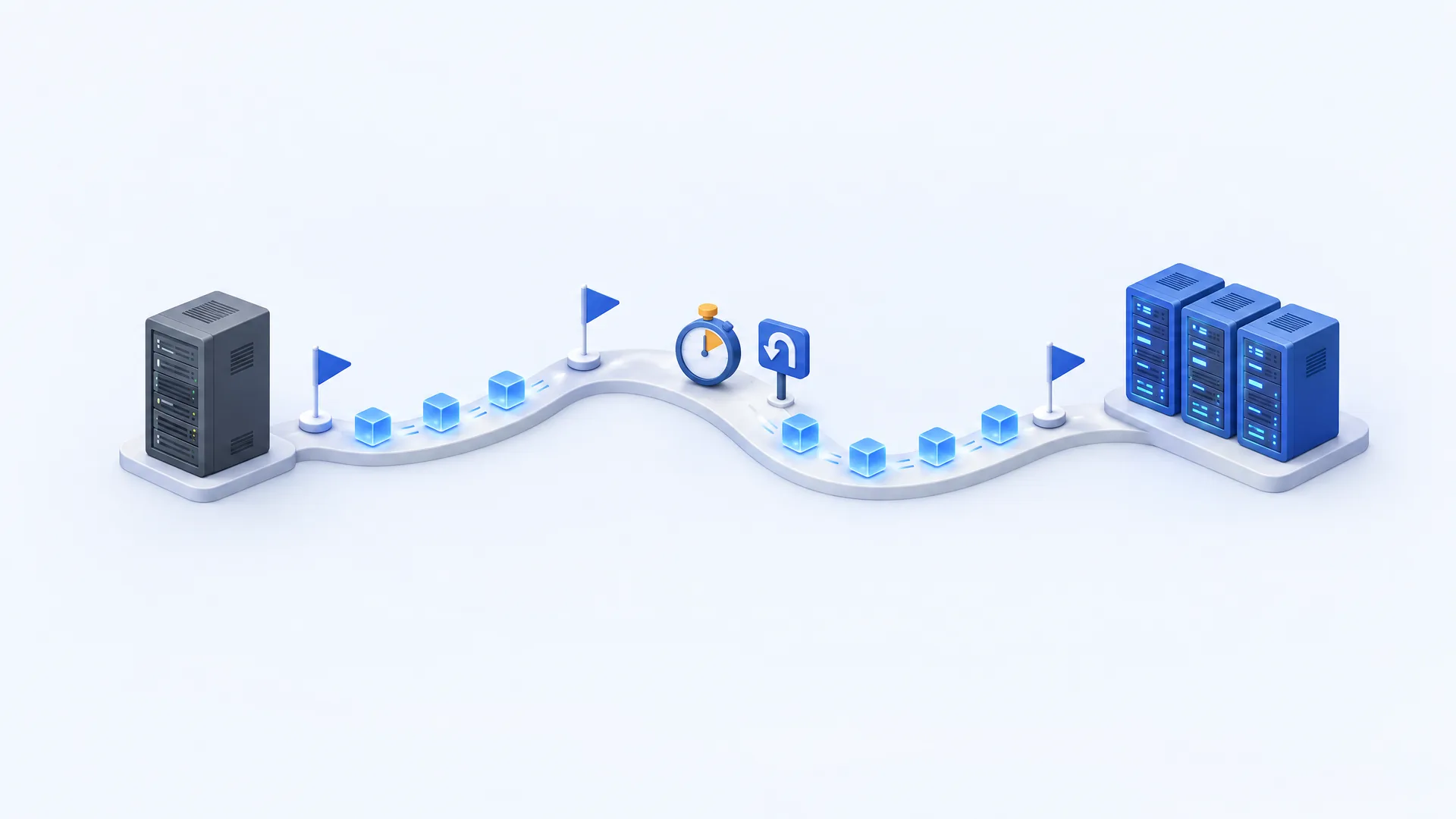
Proxmox comes with an import wizard for VMware ESXi that is still officially a technology preview. What matters is a thorough inventory, a representative test migration, a realistically planned maintenance window with a fallback plan and an acceptance process that includes a restore test.
Proxmox VE can be a suitable alternative to VMware for businesses. Whether a switch makes sense is not decided by comparing license costs alone, though – that question is covered in our comparison of Proxmox and VMware. Once the decision has been made, existing applications must keep running reliably, data must be transferred completely and operating processes must be adapted.
A successful migration from VMware to Proxmox therefore starts with a technical assessment. Only then can effort, downtime windows and costs be planned reliably. This guide shows how a structured migration project is set up and which questions should be answered before the first production cutover.
With Proxmox VE 8.2 in April 2024, Proxmox introduced an integrated import wizard for VMware ESXi VMs (Proxmox: press release). It transfers virtual machines and maps their configuration to the target platform. Even in the current version 9.2, the documentation still lists the wizard as a technology preview: according to the vendor, it works stably but is still under active development (Proxmox: Administration Guide).
This does not mean the entire VMware environment is taken over automatically. Networks, storage, permissions, backup and automation must be checked and set up for the target system. The central question is therefore: Which functions and operating processes does your environment need – and how are they implemented under Proxmox?
For business applications, there is an additional check: technical compatibility and official vendor support are two different things. Clarify in advance whether the software vendor supports the planned configuration.
A list of VMs with CPU, memory and disk size is a start. Planning also requires actual utilization, dependencies and special features.
| Area | Questions for the inventory |
|---|---|
| Applications | Which business processes depend on them? Who signs off on the functional acceptance? |
| Dependencies | Which databases, directory services, DNS services and interfaces are required? |
| Performance | Which load peaks, storage latencies and data volumes actually occur? |
| Guest configuration | Which operating systems, drivers, boot methods and encryption are in use? |
| Storage and network | Which storage methods, VLANs, IP addresses and special configurations are used? |
| Operations | How do monitoring, backup, updates and recovery work today? |
Some configurations deserve a separate pre-check. According to the Proxmox migration guide, the following currently applies (Proxmox: migration guide):
Also document systems that are no longer needed. A migration is a good time to clean up – provided decommissioning has been confirmed by the business side.
The Proxmox environment should be sized according to the requirements of the applications – with sufficient reserves for maintenance or hardware failure and a suitable storage and network concept. Changing the hypervisor does not automatically mean switching to Ceph: whether existing shared storage continues to be used or a new architecture is built is a separate decision.
Don't just look at usable capacity. Performance, redundancy, operating know-how, scalability and recoverability affect the later effort just as much. The target environment should already be monitored and backed up before the first production migration: a successfully started server without a working backup is not a completed transition.
Proxmox explicitly recommends testing the migration with one or more test VMs before moving the production environment. A small test server provides initial insights. For reliable planning, however, the pilot should also reflect typical difficulties of your environment – such as a larger database, an older Windows application or a server with several interfaces.
The migration guide mentions several technical points that are often underestimated:
The pilot should answer more than “Does the VM start?”:
These results provide realistic time and effort estimates for the remaining migration groups. Larger batches should not be started at the same time: because the ESXi interface allows only a limited number of connections, Proxmox recommends importing no more than four VM disks in parallel.
A blanket promise about downtime is not reliable without checking the environment. With the so-called live import, the target VM already starts while the data is being transferred. However, the source VM on ESXi remains switched off – so there is an interruption. If the import fails, all data written since the start of the import is lost, according to Proxmox. The method should therefore be avoided in networks with low bandwidth or high error rates.
A simple calculation shows why the data volume matters: 1 TB over a fully usable 1 Gbit/s connection takes at least around 2 hours and 13 minutes in theory. This is based on decimal units: 1 TB equals 8,000 gigabits, divided by 1 gigabit per second gives 8,000 seconds.
That is a theoretical lower bound. Protocol overhead, source and target storage, conversion and other loads extend it; importing via vCenter takes considerably longer still. The maintenance window is therefore planned on the basis of the tested method – including final tasks, functional checks and a time buffer.
For each migration group, it should be clear in advance when processing on the source system ends, when the target environment is released and who gives that approval. Equally important is a documented fallback plan with clear decision points: Which errors lead to an abort? How long is analysis allowed to take? When is the latest point to roll back?
Data created after the cutover deserves particular attention. If work is already being done on the target system, simply switching the old VM back on can lose these changes or create conflicting data. Define how new data is handled in a rollback, and prevent the source and target systems from unintentionally running at the same time with the same identity or IP address.
The number of virtual machines is only one of several effort drivers. Ten tightly coupled business applications can cause more work than a larger number of similarly built standard servers. A traceable quote distinguishes these items:
| Cost block | Typical content |
|---|---|
| Analysis | Inventory, dependencies, compatibility and target planning |
| Target environment | Setup of hosts, storage, network and access protection |
| Pilot | Test migration, performance measurement and validation of the method |
| Production move | Transfer, adjustments, maintenance windows and acceptance |
| Operational handover | Monitoring, backup, documentation and training |
| Transition period | Parallel operation, additional capacity and overlapping contracts |
New hardware, adjusted software licenses and support from business application vendors may be added. Consider one-off switching costs and ongoing operating costs separately: a cheaper subscription alone does not show when the investment pays off.
The cutover is followed by a defined stabilization phase. Not only error messages are monitored, but also response times, scheduled tasks and backup results.
A restore test is part of acceptance. If Proxmox Backup Server is used, so-called verify jobs check whether stored backups still match their checksums (Proxmox Backup Server: maintenance). That confirms the integrity of the data – but not that a restored system boots and the application works. Only a practical test provides that proof.
The old environment should only be decommissioned after confirmed acceptance and in line with the agreed fallback and retention plan.
Proxmox is a particularly interesting option if the required functions are covered and the switch offers a clear technical or economic benefit. If vendor certifications are unresolved or integrations are hard to replace, these issues should be solved before a date is set.
oneCorp plans, migrates and operates Proxmox environments – as a Managed Proxmox Cluster in German data centers, including the migration of existing VMware or Hyper-V machines (Managed Proxmox Cluster). Together we look at your applications, availability requirements and possible migration paths. This provides a basis for effort, target architecture and ongoing support.
As of October 2026. Import methods and limitations refer to Proxmox VE 9.2 and the vendor's migration guide; check them against the source and target versions you actually use.