Three copies, two storage types, one copy off-site: what the 3-2-1 rule is about and how small and medium-sized businesses put it into practice.
September 16, 2026
oneCorp Team
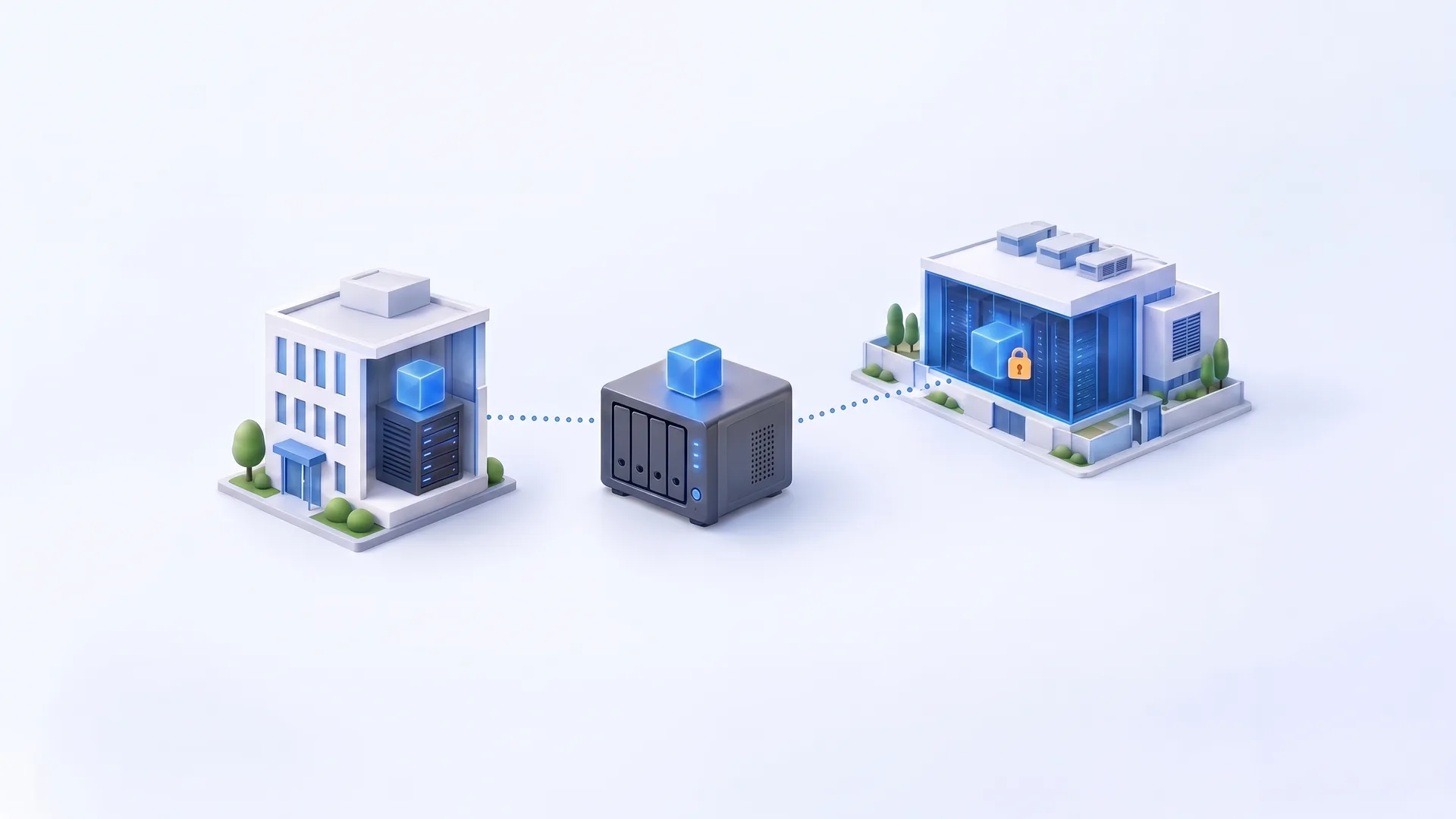
The 3-2-1 rule – three copies, two storage types, one copy off-site – is the proven foundation of any backup strategy. Because attackers now deliberately target backups, at least one copy should also be offline or immutable, and restores should be tested regularly.
A failed server, an accidentally deleted project folder or encryption by ransomware: whether a company can quickly get back to work after such an incident depends on its data backup. According to the 2025 report on the state of IT security in Germany by the German Federal Office for Information Security (BSI), professionally organized extortion groups using ransomware remain the greatest threat. In the BSI's assessment, small and medium-sized businesses in particular often lack the resources and the awareness of their own vulnerability.
The proven foundation of a resilient data backup is the 3-2-1 rule. This guide explains what the three digits stand for, why the rule is now extended by two further elements and how you can check your own backup with a few questions.
Keep at least three copies of important data, store them on two different types of storage and keep one copy off-site.
| Digit | Meaning | What it protects against |
|---|---|---|
| 3 copies | The original data plus at least two independent backups | A single backup turns out to be defective, incomplete or unreadable in an emergency |
| 2 storage types | The copies are stored on different systems or storage technologies | A single fault, defect or attack hits all copies at once |
| 1 copy off-site | At least one copy is kept in a separate location | Fire, water damage, theft or failure of the entire site |
The rule goes back to photographer Peter Krogh, who described it in his book “The DAM Book”. The US Computer Emergency Readiness Team (US-CERT) took it up in 2012 in its publication “Data Backup Options”. The BSI also describes a 3-2-1 rule as advisable for a successful backup strategy in its proposals for business continuity strategies.
A single backup is a single point of failure. If that very backup is damaged, incomplete or already encrypted, there is no way out. Only a second, independent backup creates real redundancy. Independence is key: two backup files in the same directory do not count as two copies.
If all copies are on the same system, they can be lost through the same fault – for example a defective controller, a faulty update or an attacker with access to precisely that system. Combine different storage, such as a separate backup storage system on-premises and object storage in a data center. In its IT baseline protection framework (IT-Grundschutz), the BSI requires backups always to be stored on separate storage media (module CON.3, requirement A2).
A fire or water damage does not distinguish between a server and backup storage in the same room. That is why at least one copy belongs in a different location. The BSI requires backup media to be stored physically separate from the IT systems being backed up – ideally in a different fire compartment (CON.3.A12).
For many small and medium-sized businesses, an external data center is the most practical option. Rotating hard drives that are regularly taken off-site can also work. However, they depend on discipline, should be encrypted and become a gap as soon as a rotation is missed.
Some technologies are often mistaken for a backup but only protect against certain failures:
Anyone who wants to extort a company must prevent it from recovering from its own backups. Accordingly, backups are frequently targeted. In backup vendor Veeam's Ransomware Trends Report 2024, backup repositories were also targeted in 96 percent of attacks; in 76 percent of cases, the attackers succeeded (Veeam). In the 2025 follow-up study, 89 percent of organizations said their backup repositories had been targeted (Veeam). These are vendor surveys, not official statistics – but the direction is clear.
The consequence: a backup must remain intact even if attackers have gained administrator rights in the production network. The BSI requires that backups cannot be overwritten intentionally or unintentionally (CON.3.A14) and that particularly sensitive backup media are only connected to the network during backup and restore (CON.3.A2).
To counter this threat, the classic rule is now often extended by two digits. The 3-2-1-1-0 variant was coined primarily by the vendor Veeam (Veeam):
Immutable backups are stored according to the WORM principle: write once, read many. Within the defined retention period, they can be neither changed nor deleted. Technically, this is implemented, for example, via hardened backup repositories or object storage with Object Lock.
What matters is who can lift this lock. With Amazon S3 Object Lock, for example, a user with the appropriate permission can bypass the lock in governance mode; only compliance mode prevents changes even by the root user (AWS documentation). For any solution, ask which accounts can lift a lock or shorten retention periods.
The message “Backup successful” only means that a backup job has completed – not that data and applications can actually be used again in an emergency. The BSI therefore requires regular testing of whether backed-up data can be restored correctly and within a reasonable time (CON.3.A15). The GDPR also requires the ability to restore the availability of personal data in a timely manner after an incident, as well as a process for regularly testing the measures taken (Art. 32(1)(c) and (d) GDPR).
What implementation looks like in practice depends on systems, data volumes and requirements. A possible setup for a company with around 30 employees, two virtual servers and Microsoft 365:
Just as important as the number of copies is how long they are kept. An attack or an accidental change is not always noticed immediately. A generational scheme with daily, weekly and monthly restore points ensures that older, undamaged versions of your data remain available.
If any of these questions cannot be answered clearly, that is a good starting point for the next review of your data backup.
The 3-2-1 rule is simple, proven and feasible for companies of any size. Given targeted attacks on backups, it should now be supplemented by an immutable or separated copy and regularly tested restores. Only then does an existing backup become a reliable emergency plan.
Companies do not have to operate the external, immutable part themselves. At oneCorp, for example, servers and virtual machines are backed up with Veeam or Proxmox Backup Server to German ISO 27001-certified data centers; immutable backups, a geo-redundant second copy and regular restore tests can be added. Learn more about Backup as a Service.
A clear division of tasks is important here: the service provider supplies and operates the technology. The company itself decides which data is kept for how long and how quickly which systems must be available again. It also remains responsible for data protection; a data processing agreement in accordance with Art. 28 GDPR is concluded with the service provider for this purpose.
If you would first like to know where your data backup stands today: the free IT Quick-Check covers backup and recovery, among other areas, and shows in a traffic-light overview where action is needed.
As of October 2026. The studies cited are surveys by a backup vendor. BSI IT-Grundschutz requirements are cited from module CON.3 Data Backup Concept, Edition 2023. The legal information is provided for general information only and does not constitute legal advice. Most of the BSI sources linked are German-language publications.